
Blog
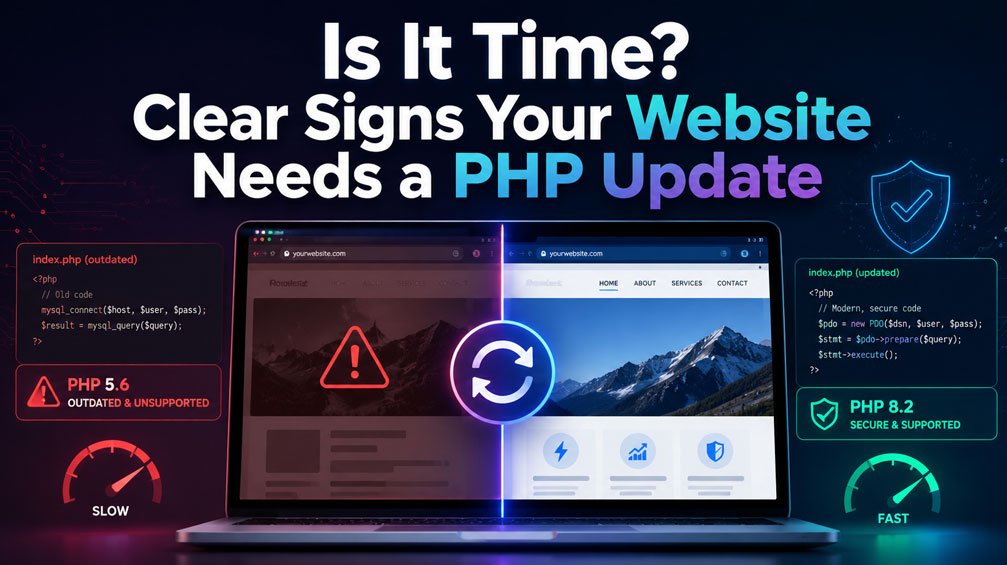
Is It Time? Clear Signs Your Website Needs a PHP Update
When managing a website, especially on content management systems like WordPress, it is easy to adopt a “set it and forget it” mindset regarding the underlying server environment. You update your plugins, swap out themes, and publish new content, assuming everything under the hood is fine.
However, one of the most vital components of your tech stack lives outside your dashboard: PHP, the scripting language powering your web server.
Running an outdated PHP version opens the door to performance bottlenecks, compatibility hurdles, and severe security vulnerabilities. If you aren’t sure whether your server environment is up to speed, keep an eye out for these telltale signs that your PHP needs an update.
1. Your Website Dashboard Is Throwing Deprecation Notices
If you or your developers notice strange warning messages popping up in your error logs or staging environment—such as Deprecated: Function create_function() is deprecated—your code is trying to run functions that have been phased out of modern PHP releases. Ignoring these notices means your site is teetering on the edge of breaking entirely when your hosting provider eventually forces a version upgrade.
2. Sluggish Performance and High Load Times
Older PHP versions lack the optimizations and speed enhancements built into modern branches. If your site feels sluggish despite implementing caching plugins, optimizing images, and trimming database bloat, the bottleneck might be your server-side processing speed. Upgrading to a newer, stable version of PHP delivers an immediate, native boost to execution speed and resource management.
3. Compatibility Errors After Installing New Plugins
Have you tried installing a new plugin or updating an existing tool only to be greeted by a “Critical Error” or a white screen of death? Software developers frequently build modern features using syntax and functions exclusive to recent PHP versions. If your site is stuck on an older version, modern plugins simply cannot parse the code.
4. Your Hosting Panel Shows an End-of-Life (EOL) Version
Check your hosting control panel (such as cPanel or Plesk) under “Select PHP Version” or “MultiPHP Manager.” If your site is currently running anything at or below PHP 8.1—or even lingering on PHP 8.2, which approaches its end-of-life milestone – your environment is officially unmaintained or nearing sunset. The PHP development team only provides active bug fixes and critical security patches for a limited window per branch, meaning older installations stop receiving updates altogether.
5. Security Vulnerabilities and Missing Patches
This is the most critical risk of all. When a Common Vulnerability and Exposure (CVE) is discovered in an unsupported PHP version, no official patch will ever be released for it. Running an EOL PHP version leaves your entire website architecture exposed to remote code execution and data breaches, putting your business data and your visitors at risk.
Moving Forward Safely
Updating your PHP version isn’t a task to rush blindly on a live production site. Always back up your files and database, switch to a staging environment first, and test your theme and custom plugins for compatibility before pushing changes live.
By keeping your PHP version current, you ensure a faster, safer, and future-proof digital footprint.