
PHP and the Best Ways to Keep Your Code Secure

PHP powers millions of websites and web applications around the world. From small business websites to enterprise-level applications, it remains one of the most popular server-side programming languages available today. However, with that popularity comes responsibility. Poorly written or insecure PHP code can expose sensitive information, compromise user accounts, and leave applications vulnerable to attack.

Fortunately, following a few security best practices can dramatically improve the safety of your PHP applications. Below are some of the most effective ways to write secure PHP code.


1. Always Validate and Sanitize User Input

Never trust user input.

Whether data comes from a form, URL parameter, cookie, or API request, every piece of information should be treated as potentially malicious until it has been validated.

Validation ensures that the data is in the expected format, while sanitization removes unwanted or dangerous characters.

For example:

  • Validate email addresses with filter_var()
  • Ensure numeric values are actually numbers
  • Restrict string lengths
  • Whitelist acceptable values whenever possible

Validating input is your first line of defense against SQL injection, Cross-Site Scripting (XSS), and command injection attacks.


2. Use Prepared Statements for Database Queries

SQL injection remains one of the most common security vulnerabilities in web applications.

Never build SQL queries by concatenating user input directly into your query strings.

Instead, always use prepared statements with parameter binding through PDO or MySQLi.

Instead of this:

$sql = "SELECT * FROM users WHERE email = '$email'";

Use prepared statements:

$stmt = $pdo->prepare("SELECT * FROM users WHERE email = ?");
$stmt->execute([$email]);

Prepared statements separate user input from SQL commands, making SQL injection attacks virtually impossible.
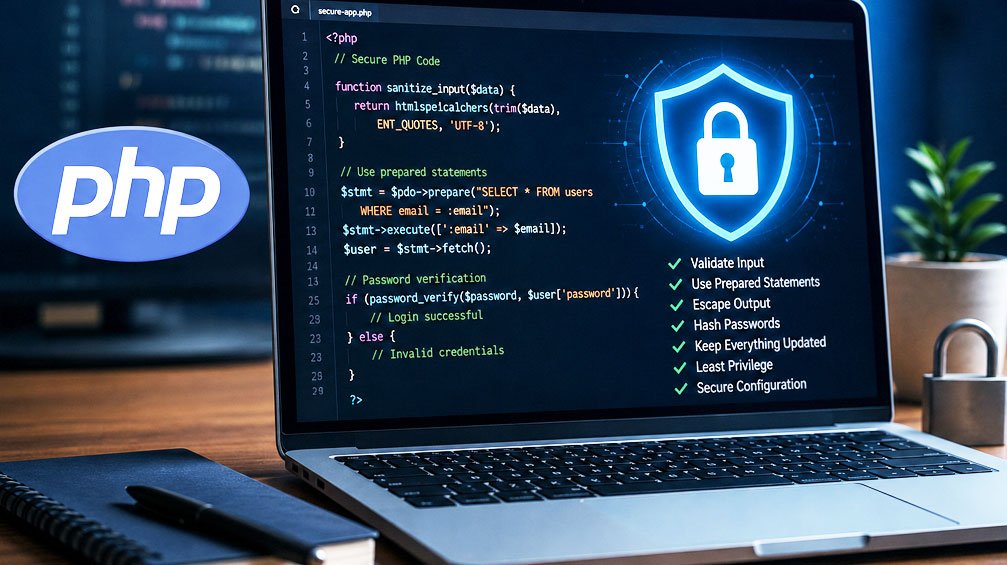

3. Escape Output to Prevent Cross-Site Scripting (XSS)

Even if your database is secure, displaying unescaped user content can expose your visitors to XSS attacks.

Whenever displaying user-generated content in HTML, escape it properly:

echo htmlspecialchars($username, ENT_QUOTES, 'UTF-8');
 

This converts potentially dangerous HTML characters into harmless text, preventing attackers from injecting JavaScript into your pages.


4. Protect Passwords Properly

Passwords should never be stored in plain text.

PHP includes built-in password hashing functions that make securing passwords easy.

Hash passwords when creating accounts:

$passwordHash = password_hash($password, PASSWORD_DEFAULT);
 

Verify passwords during login:

password_verify($password, $passwordHash);
 

These functions automatically use strong algorithms and support future upgrades as security standards evolve.


PHP Security Tips
5. Keep PHP and Dependencies Updated

Running outdated software is one of the fastest ways to become vulnerable.

Always keep:

  • PHP updated
  • Composer packages current
  • Frameworks updated
  • Plugins and third-party libraries patched

Security updates frequently fix newly discovered vulnerabilities before attackers can exploit them.


6. Configure PHP Securely

Many security improvements come from proper server configuration.

Consider these recommendations:

  • Disable display_errors on production servers.
  • Log errors instead of displaying them.
  • Disable expose_php.
  • Limit file upload sizes.
  • Restrict dangerous PHP functions when appropriate.
  • Use HTTPS for every website.

A secure configuration reduces information leakage and limits potential attack vectors.


7. Implement CSRF Protection

Cross-Site Request Forgery (CSRF) attacks trick authenticated users into performing actions they never intended.

Protect forms by generating unique CSRF tokens and verifying them when the form is submitted.

Many modern PHP frameworks include CSRF protection automatically, but custom applications should implement it manually.


8. Restrict File Uploads

File uploads are a common attack vector.

Always:

  • Validate file types.
  • Verify MIME types.
  • Limit file size.
  • Rename uploaded files.
  • Store uploads outside the public web root whenever possible.
  • Never trust the original filename.

Allowing unrestricted uploads can result in remote code execution if attackers upload malicious scripts.


9. Follow the Principle of Least Privilege

Applications should operate with only the permissions they truly need.

Examples include:

  • Database users should have only required privileges.
  • Files should have restrictive permissions.
  • Administrator accounts should be limited.
  • API keys should be scoped appropriately.

Reducing permissions minimizes the damage if an account becomes compromised.


10. Handle Errors Carefully

Detailed error messages are useful during development but dangerous in production.

Avoid displaying stack traces, SQL errors, or file paths to users.

Instead:

  • Log detailed errors securely.
  • Display generic user-friendly error messages.
  • Monitor your logs regularly.

This helps prevent attackers from learning about your application’s internal structure.


Final Thoughts

Writing secure PHP isn’t about using one magic function… it’s about building good habits throughout the development process.

By validating input, escaping output, using prepared statements, hashing passwords, updating your software, and following secure coding practices, you can dramatically reduce your application’s attack surface.

Security should never be treated as a one-time task. Review your code regularly, stay informed about new vulnerabilities, and continually improve your security practices. The time invested in secure development today can prevent costly breaches and protect both your application and your users for years to come.